Dispatch

A whole working day on one screen.

Orders, the map, drivers and messages — side by side. No switching tabs.
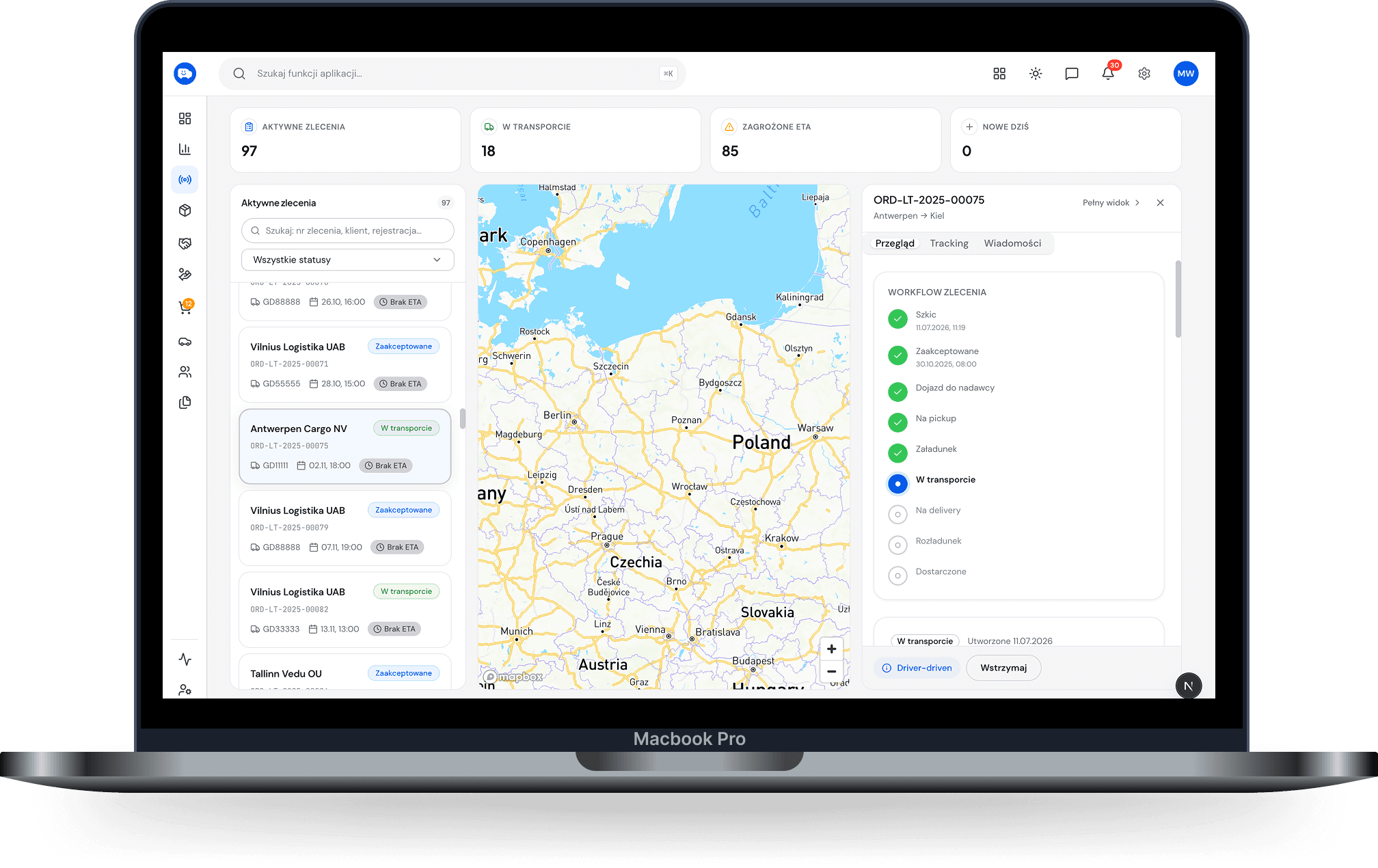
Dispatcher screen · desktop 1440 — Full-screen dashboard in three columns: order list with statuses, map with routes, driver panel with messages.
01

One screen instead of four windows

Orders on the left, the map in the middle, the driver on the right. Everything in view at once.

On the left
Orders
In the middle
Map
On the right
Driver
02

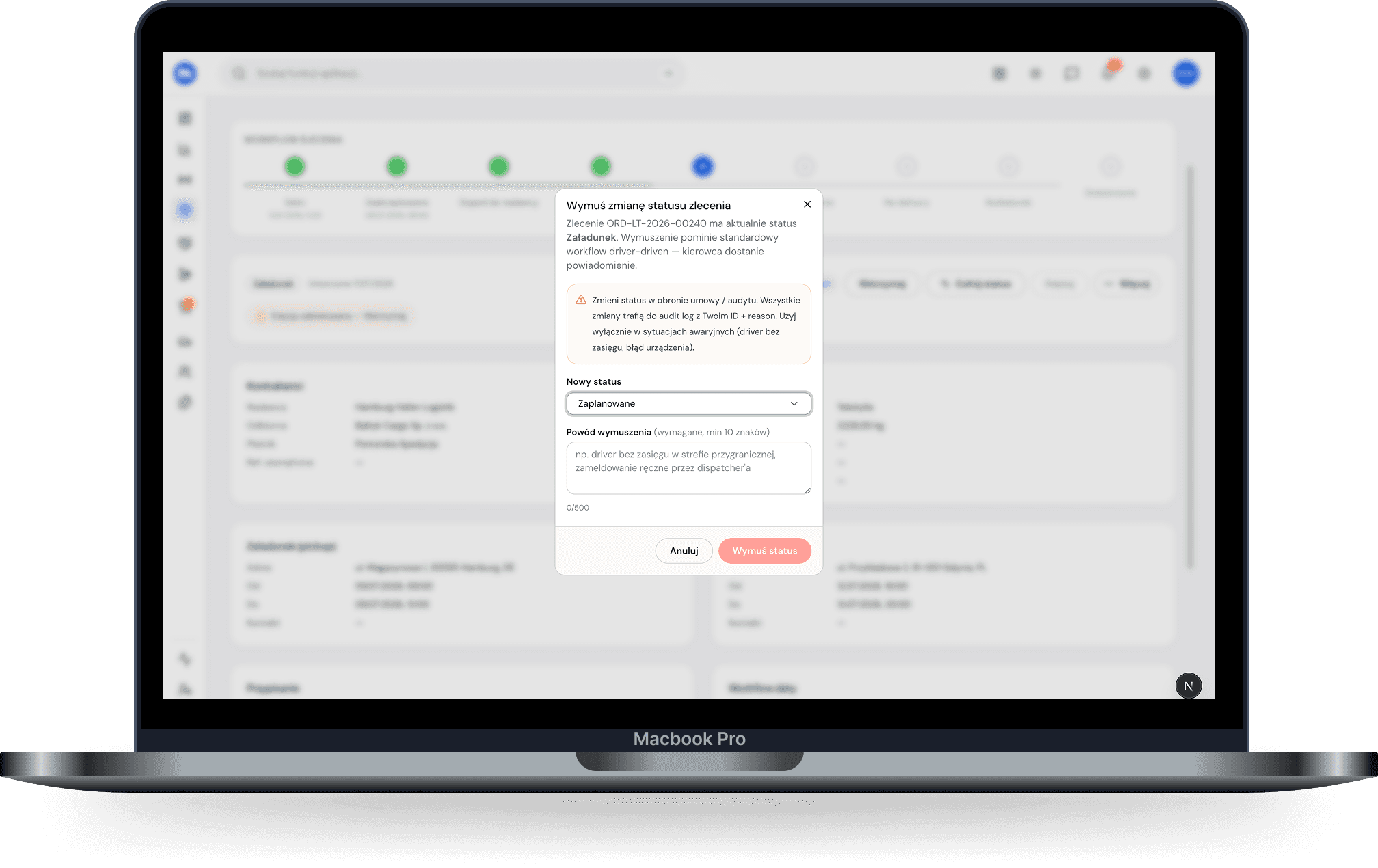
An order from acceptance to settlement

Client, loading, unloading, deadlines, rate. The status shows on the list: accepted, on the road, unloading, delivered.
acceptedon the roadunloadingdelivered
Order card · desktop — Client, loading, unloading, rate, driver and vehicle; status bar at the bottom.
03

Driver and van in two seconds

You assign, and the system suggests who has a valid licence and working time left.

Assign a driver · Łódź → PragueThu 06:00
Jan S. · KR 5512M
Licence valid · 9:00 driving left
suggested
Anna R. · WZ 7734F
Licence valid · 4:10 driving left
possible
Marek W. · WZ 4821K
On the way to Milan
busy
Piotr K. · GD 7710R
Resting until 05:30
resting
04

The route plans itself

The system suggests a route and takes into account what’s happening on the road.

05

Changes mid-run

The client moves the unloading, a jam builds up on the route — you fix it on your side, and the driver has the new version straight away.
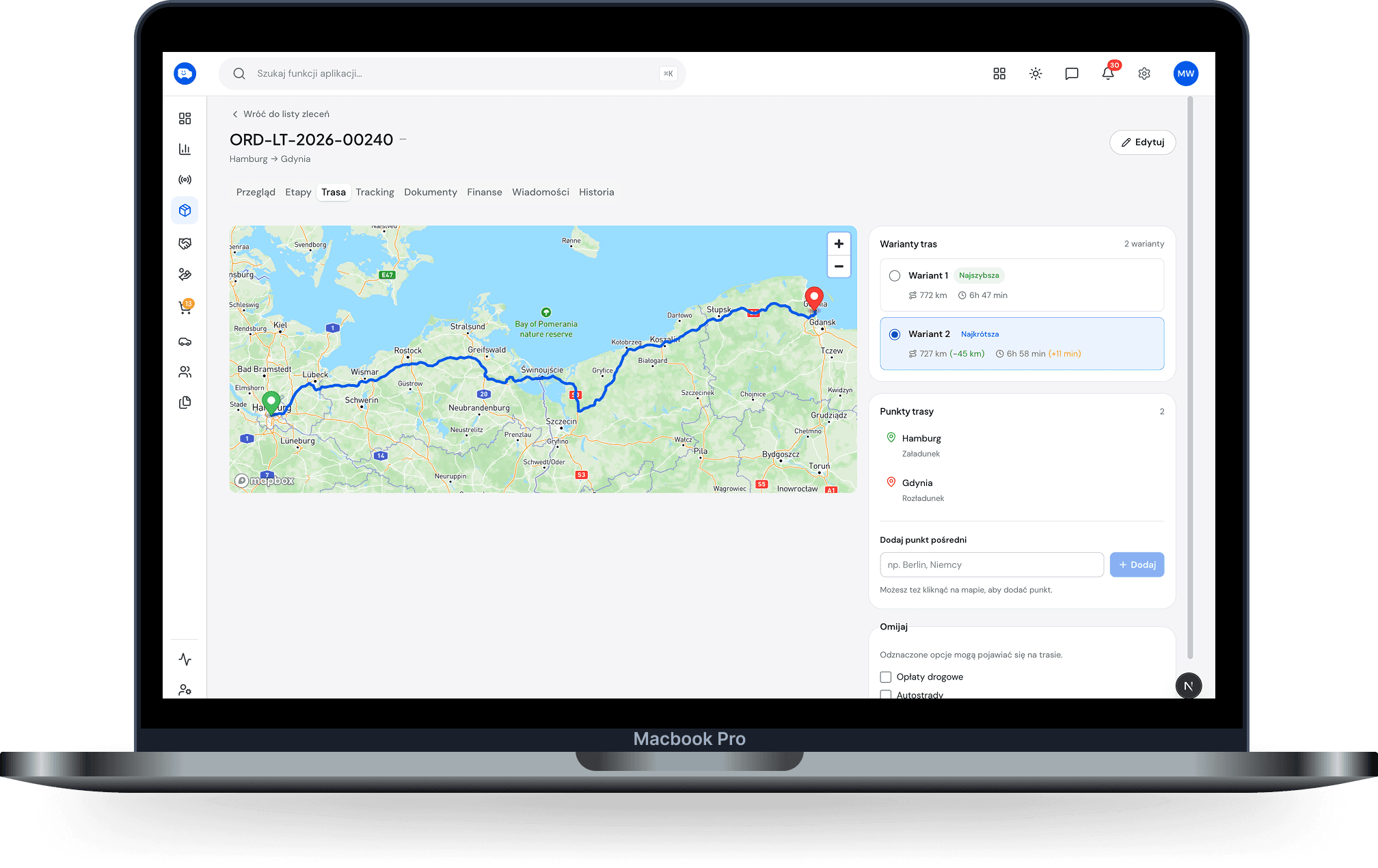
Route view with a traffic jam · desktop — Old route dashed, new one in blue, a traffic jam marker, a bubble with the new arrival time.
06

Talk without leaving the screen

You message the driver from here. No looking up numbers, no calls, no explaining over the phone where to turn.

MW
Marek W.
WZ 4821K · on the road · A22
Loaded, leaving at 06:10.
Go ahead. Unloading tomorrow 08:00.
Filled up near Brno, receipt added.
Jam on the A22, route updated. The new one’s on your phone.
Got it. Thanks.
Message the driver…
07

Dispatcher is a role of its own

They get their own access. They see what they need to run routes — not the company’s accounts. In a small firm the owner switches to this view with one click.

View
OwnerDispatcher
Orders, map, driverssees
Messages with driverssees
Documents and deadlinessees
Revenue, costs, profitdoesn’t see
Invoices and the accountant’s packdoesn’t see

Small things you only notice once you’re using it.

Order from the client’s file
Suggests a free driver
Order history with filters
Order sent to the driver’s phone
Statuses the client can see
Two orders on one run

Who uses it: Dispatcher →·Owner →

Three questions

Start with one route.

14 days free. No contract. No calls with a salesperson.