Working time and breaks

You know when a driver has to stop. Before it’s too late.

Driving, breaks and rest count themselves. The driver sees it on the phone, you see it on one screen.
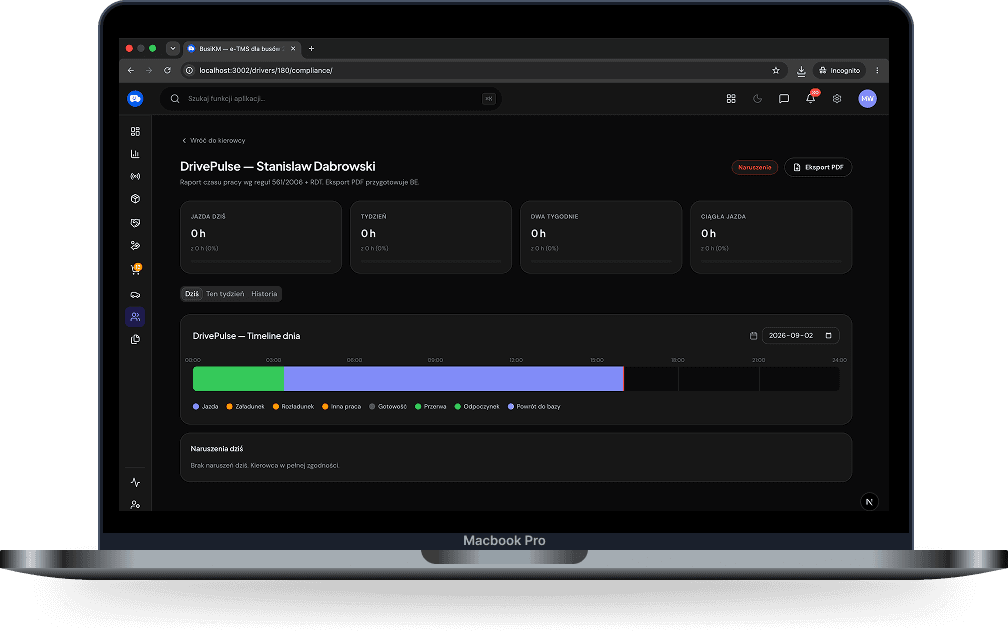
Working time · desktop, dark mode — Three progress rings (driving, break, rest) and a list of drivers with their status. The same screen as on the home page.
01

The counters run themselves

Driving, break, rest, availability. Nobody writes anything down in a notebook.
Driving
6:07
of the 9:00 daily limit
Break
0:40
until the next break
Rest
11:00
taken overnight
Availability
1:15
loading and waiting
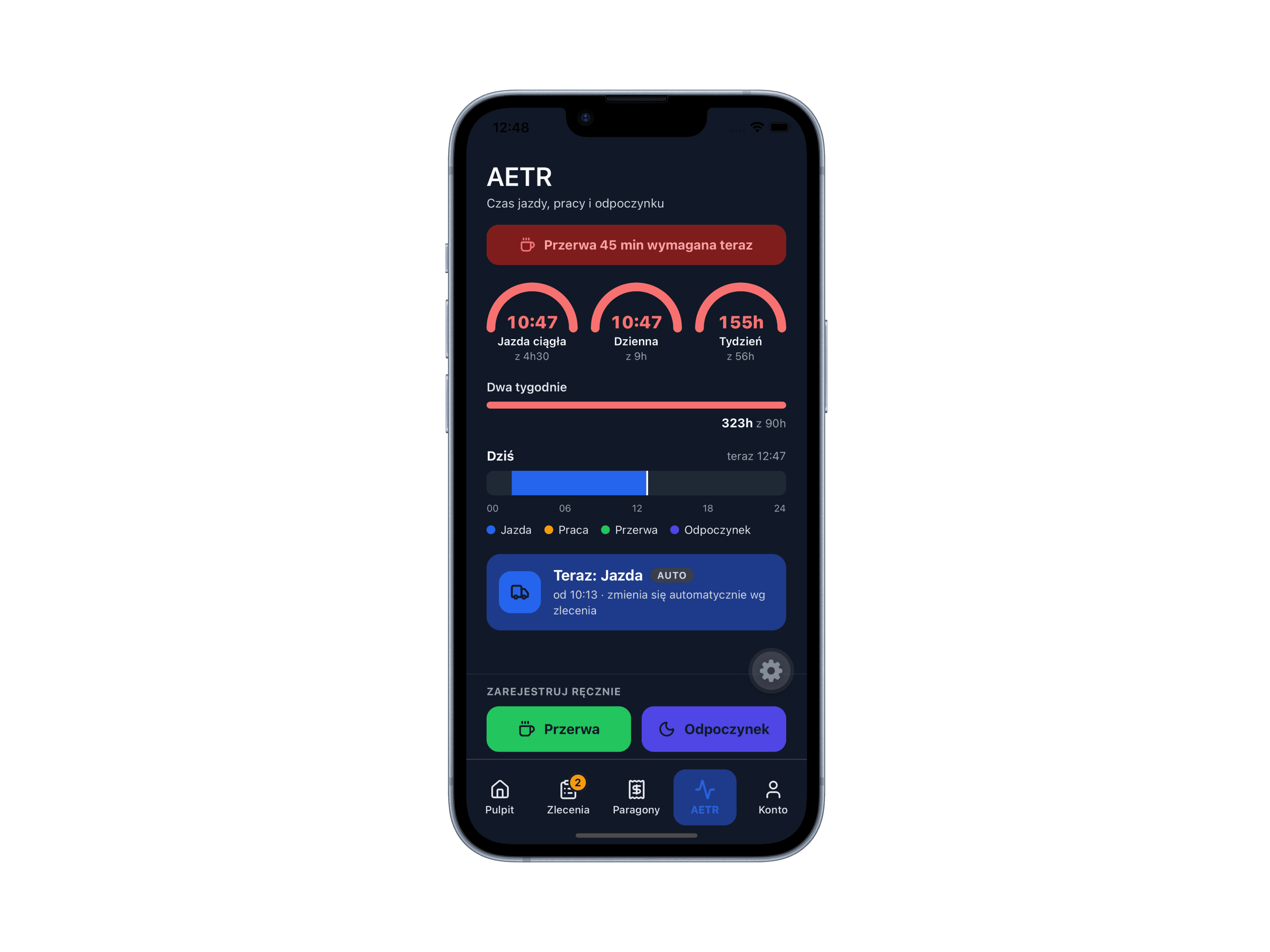
Counter on the phone · dark mode — The same file as on the driver app page. A “break in 20 minutes” reminder at the top, the driving ring, a “Break” button.
02

The driver gets the reminder early

The phone says “break in 20 minutes”, not “you should have stopped an hour ago”.

Break in 20 minutesyes
You should have stopped an hour agono
03

You see the same thing

A list of drivers with their status: driving, on a break, resting, available. Everyone on one screen.

Drivers · 14:209 people
Marek W.driving 6:07driving
Tomasz L.driving 3:20driving
Jan S.since 14:05on a break
Piotr K.until 05:30resting
Anna R.Krakówavailable

The tachograph records. BusiKM shows.

The tachograph is required and does its job: it records. BusiKM doesn’t replace it and doesn’t pretend to. It’s there so the driver can see on screen how much longer they can drive and when they have to stop.

Tachograph
records
It’s required.It logs driving and stops.It stays in the vehicle.
BusiKM
shows
How much longer you can drive.When you have to stop.On the driver’s screen and on yours.
04

Works with no signal

The counters run on the phone. Data is sent once the signal is back.

Marek W. · todayBrenner tunnel · no signal 12:05–12:38
06:1012:05–12:38 · on the phone14:20
Driving in the tunnel33 min
Saved on the phoneyes
Sent once signal was back12:39
05

A monthly sheet to print

Ready, with no copying out. For the file or for your accountant.
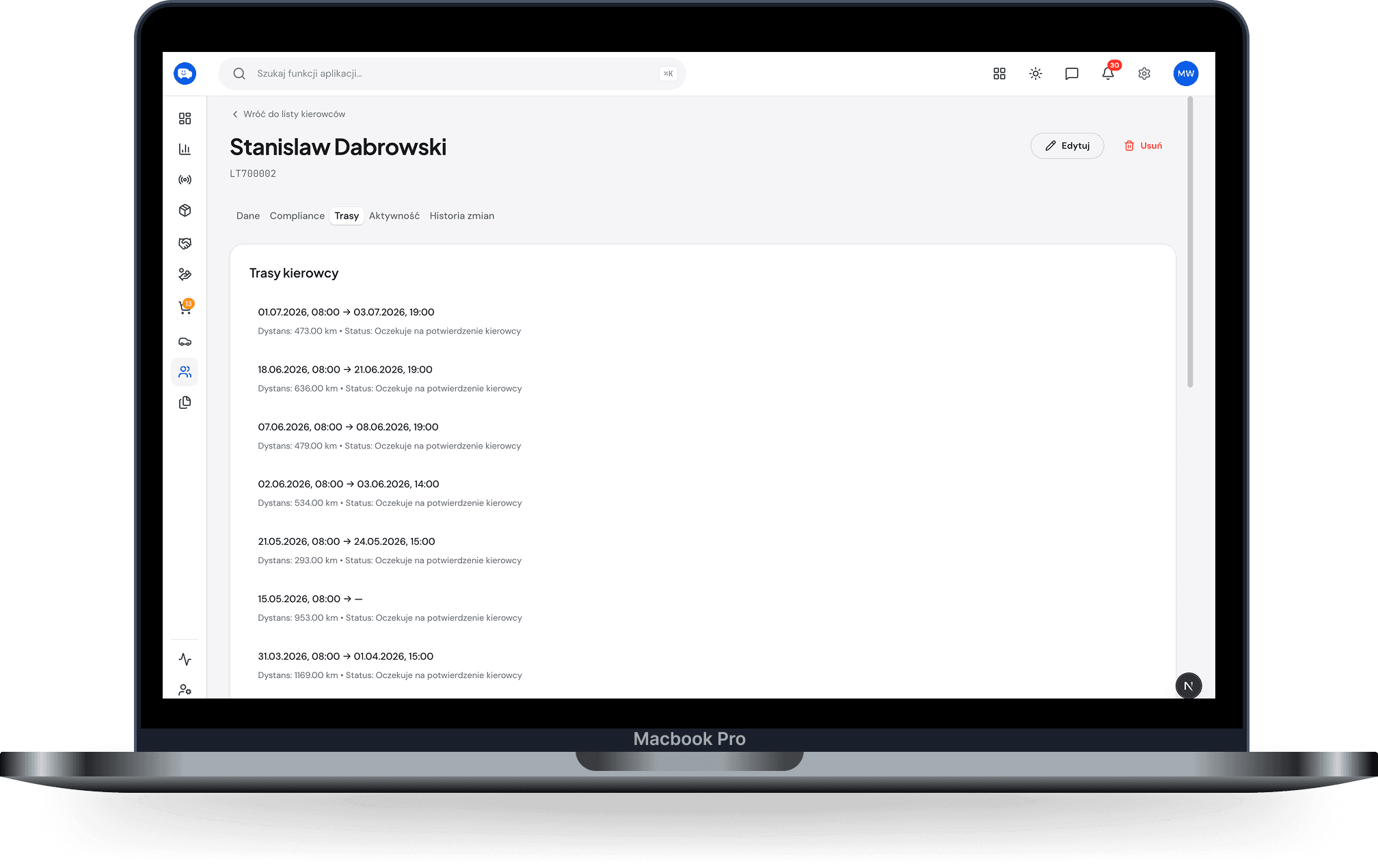
Monthly sheet to print · desktop — Days, hours of driving, work and rest, countries; a summary and a PDF button. Light, like a printout.
06

Days in each country

Counted from the route. You can correct them by hand if things looked different.

Marek W. · Augustfrom the route
Poland17 days
Germany6 days
Italy4 days5 dayscorrected by hand · “overnight abroad”
Austria3 days

Small things you only notice once you’re using it.

Counter visible on the lock screen
Sound alert before a break
Manual correction with a reason given
Week and month view
Driver status visible in Dispatch
Monthly sheet as a PDF

Who uses it: Driver →·Owner →

Three questions

Start with one route.

14 days free. No contract. No calls with a salesperson.