For dispatchers
A whole working day on one screen.
Orders, the map and the driver side by side. No jumping between windows and no calling three times a day.
Your day with BusiKM.
6:40
you take an order
You enter it once: client, freight rate, loading, unloading. The client name fills itself in.
Alpsuggestion
Alpina Logistics S.r.l.
Milan · 12 orders
Freight€3,900
7:05
you assign a driver
The system suggests who has hours left and who is closest. You decide.
Jan S. · KR 5512M
suggested9:00 left · 12 km
Anna R. · WZ 7734F
possible4:10 left · 40 km
7:06
the route plans itself
With live traffic. The driver has it on their phone and doesn’t retype the address.
Łódź → Prague · 540 km
on Jan S.’s phone · 07:06
13:20
something changes
A jam near Bolzano. You adjust the route on your side, and the driver sees the new version straight away.
Traffic jam · A22, Bolzano14 km
Arrival08:4008:05
driver has the new version · 13:21
17:00
you close the day
You see who is where, who is finishing and who sets off tomorrow.
Marek W.Bolzano · finishes 19:30
Tomasz L.unloaded · Rotterdam
Jan S.sets off tomorrow 06:00
Three screens you see every day.
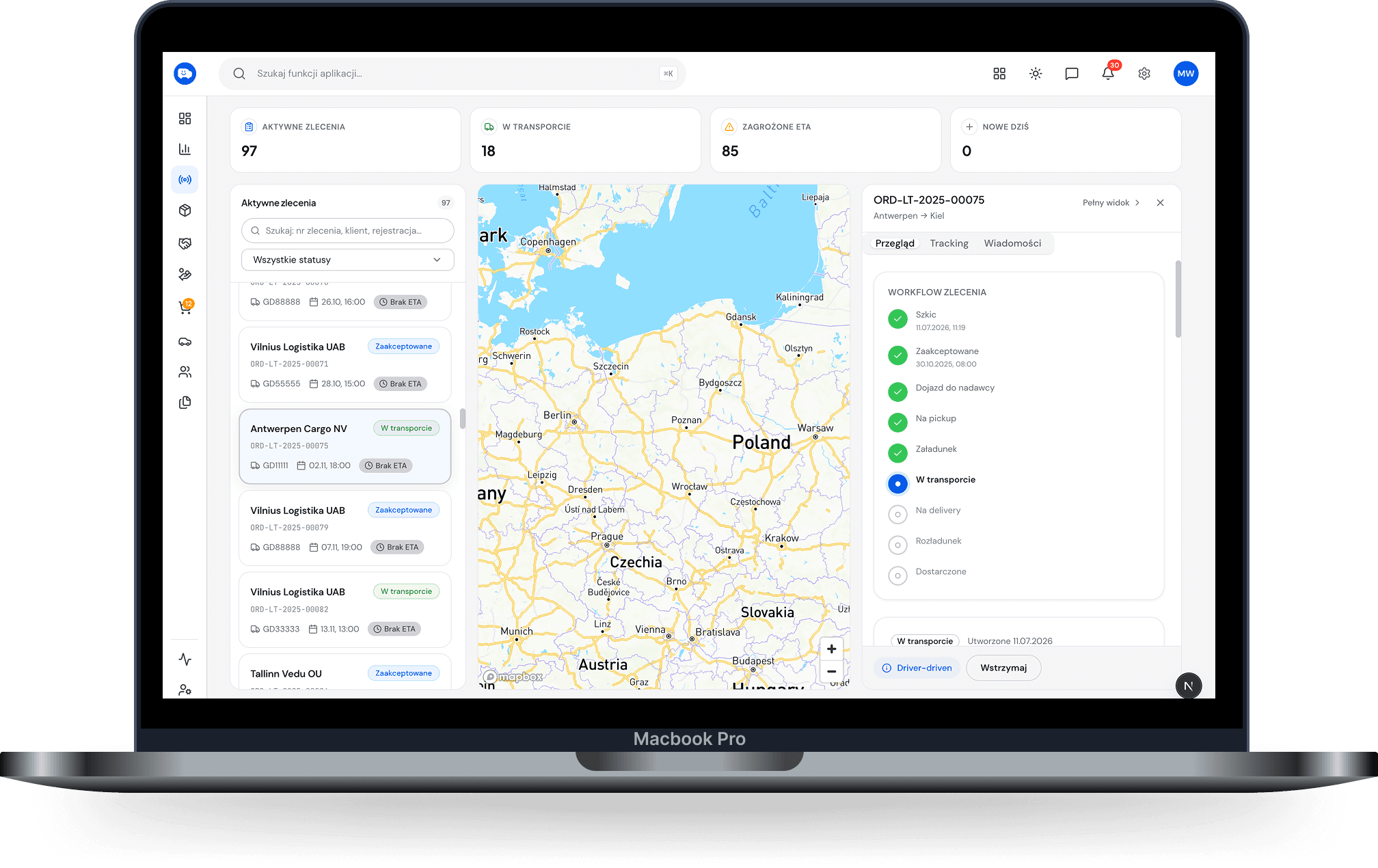
Dispatch
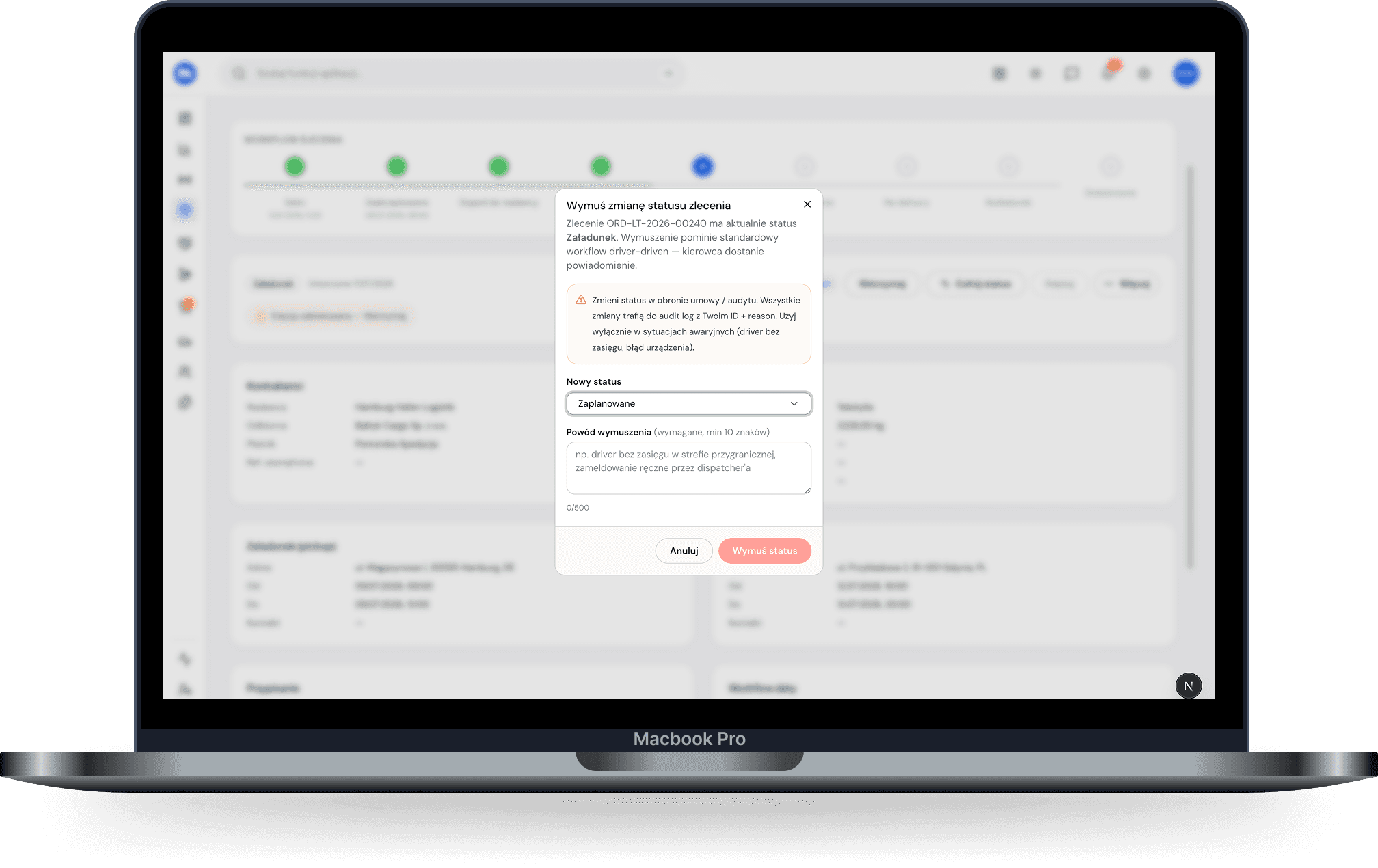
Order card with assignment
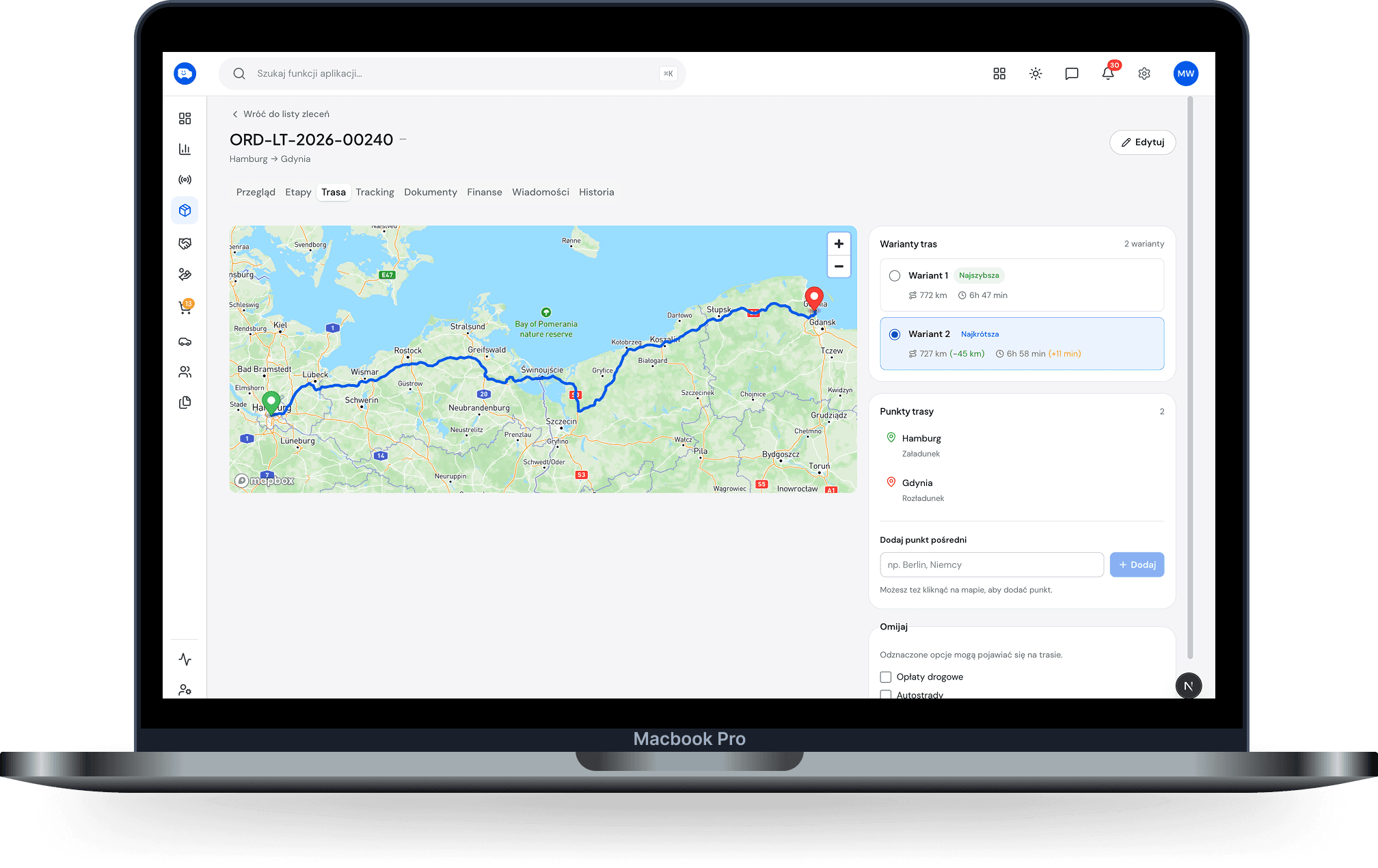
Route and changes on the go
What you no longer do.
call the driver three times a day
copy the address into the satnav
check a notebook for who has hours left
tell the client you’ll call them back
What you see, and what you don’t.
You see
All ordersThe whole fleetDrivers and their working timeRoutes and job costs
You don’t see
PayCompany marginInvoices
The money stays with the owner.