A whole working day in one app.
Nothing to type on the road.
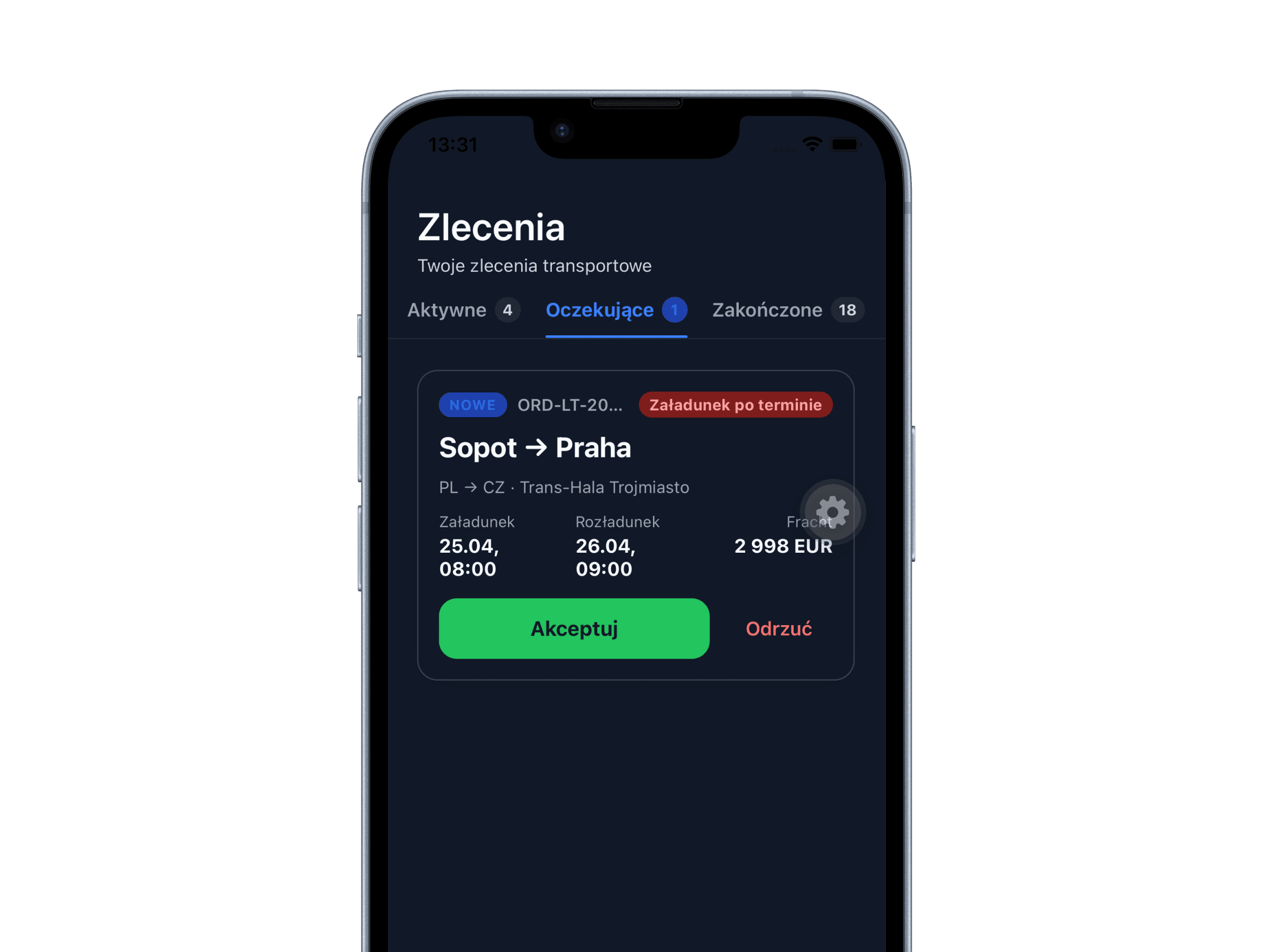
The driver gets a code, enters it once and they’re in. The rest is three buttons.
In with a code, no account to set up
You send an invite, the driver gets a code and sets their own password. No calls to you asking what their login is.
Navigation is built in
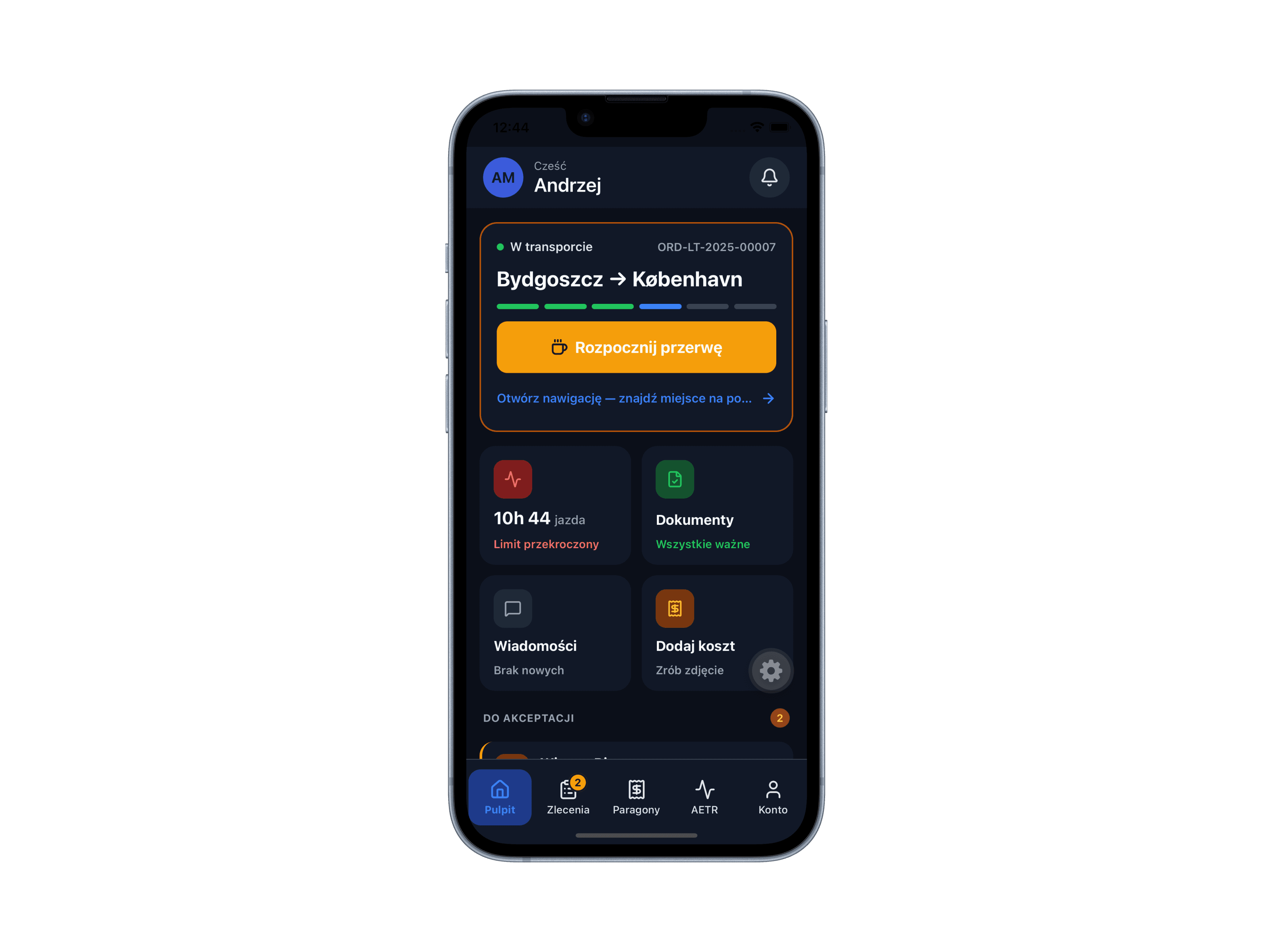
The route from the order guides them straight away, in the same app. No jumping between a sat nav and everything else, no copying addresses from one app to another. Change the route on your side and the new version is on their phone the same moment.
Off with one button
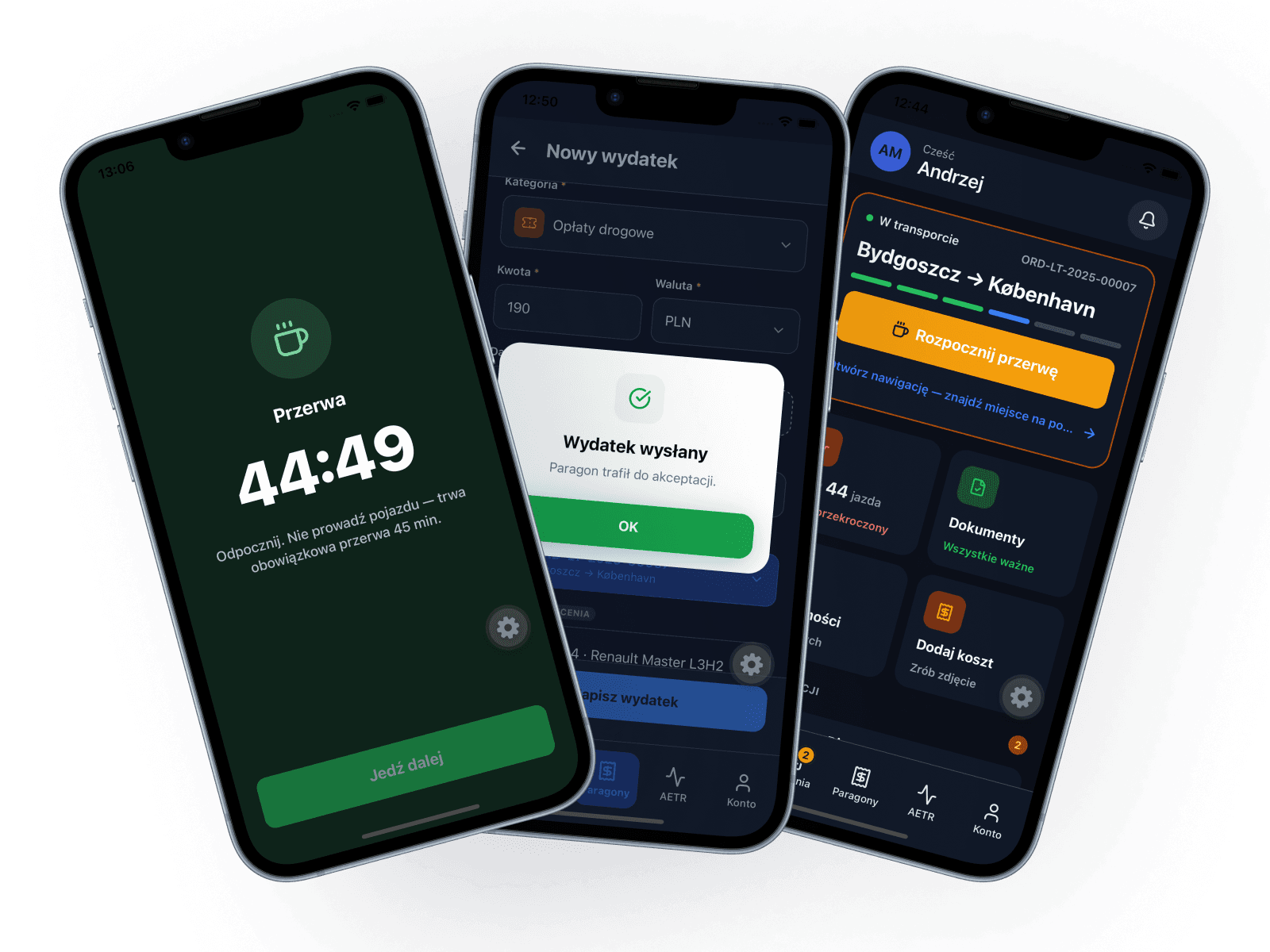
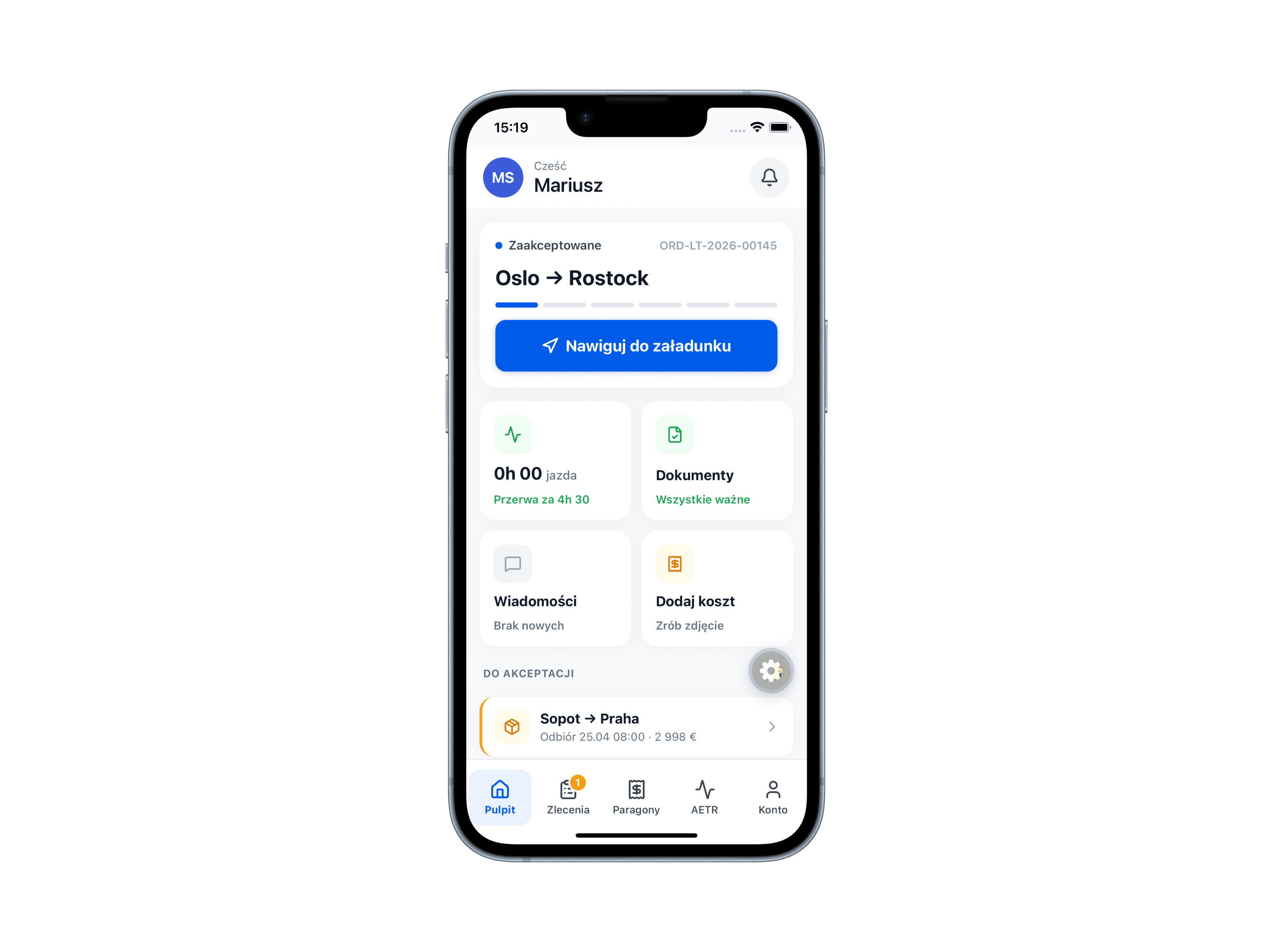
A photo of the odometer, the “Start route” button, and off they go. The phone can stay in their pocket with the screen off. The route records itself.
A cost takes one button
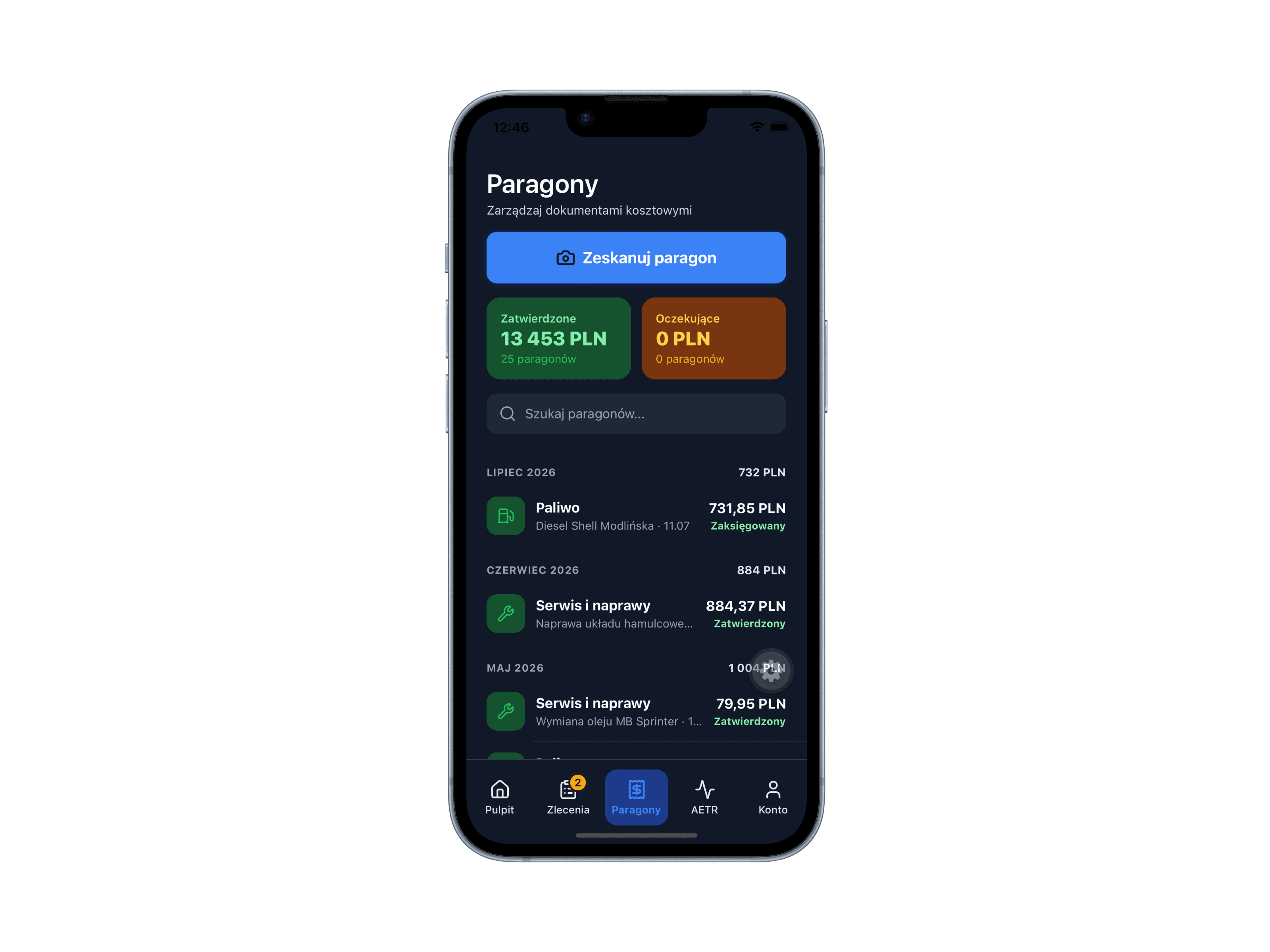
Fill up, snap the receipt, drive on. Amount, date and seller fill themselves in, and the cost lands on that order and that vehicle.
Break and back in one tap
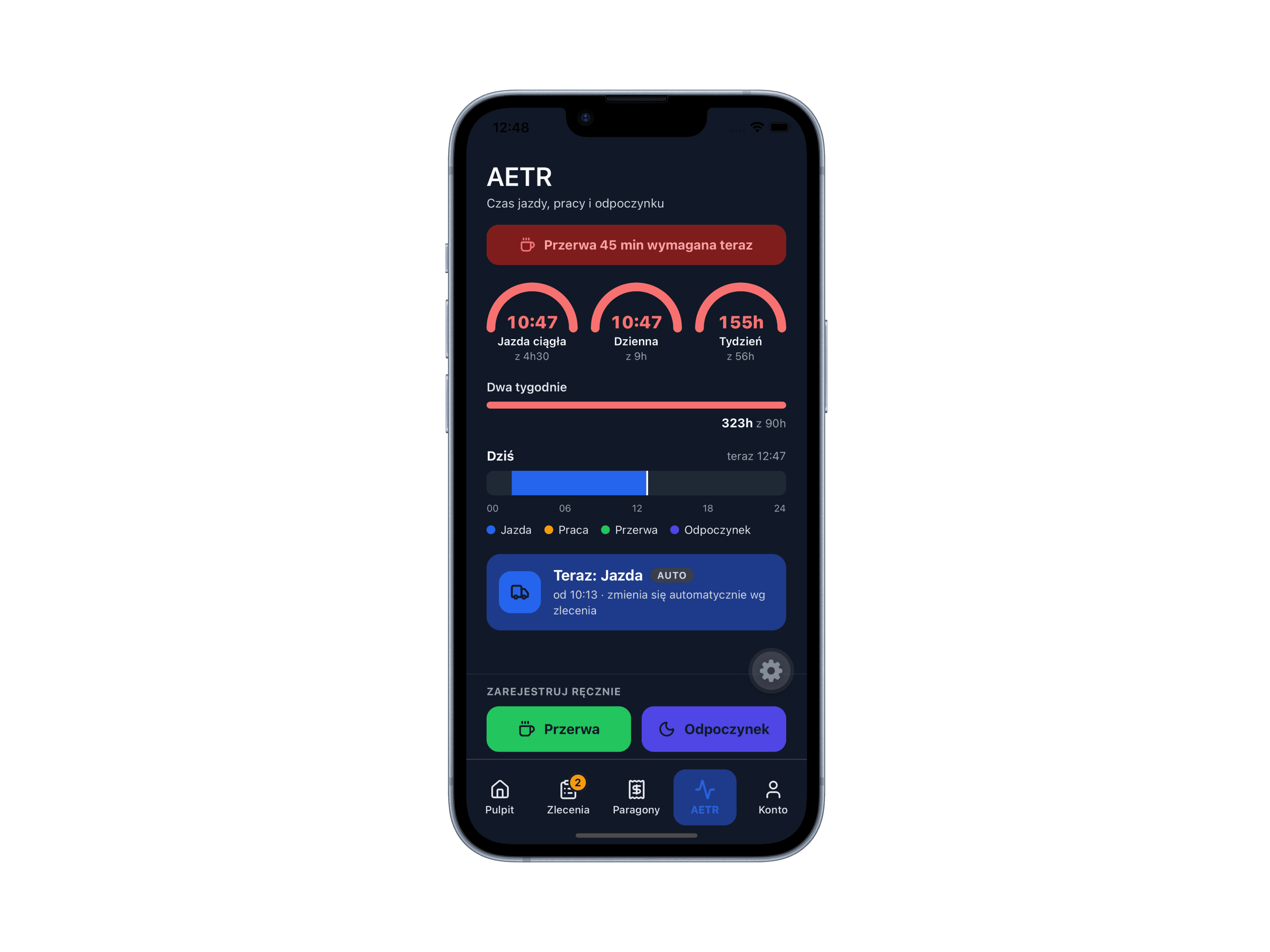
The app reminds them about the required break before it’s too late, not after the fact.
Works with no signal
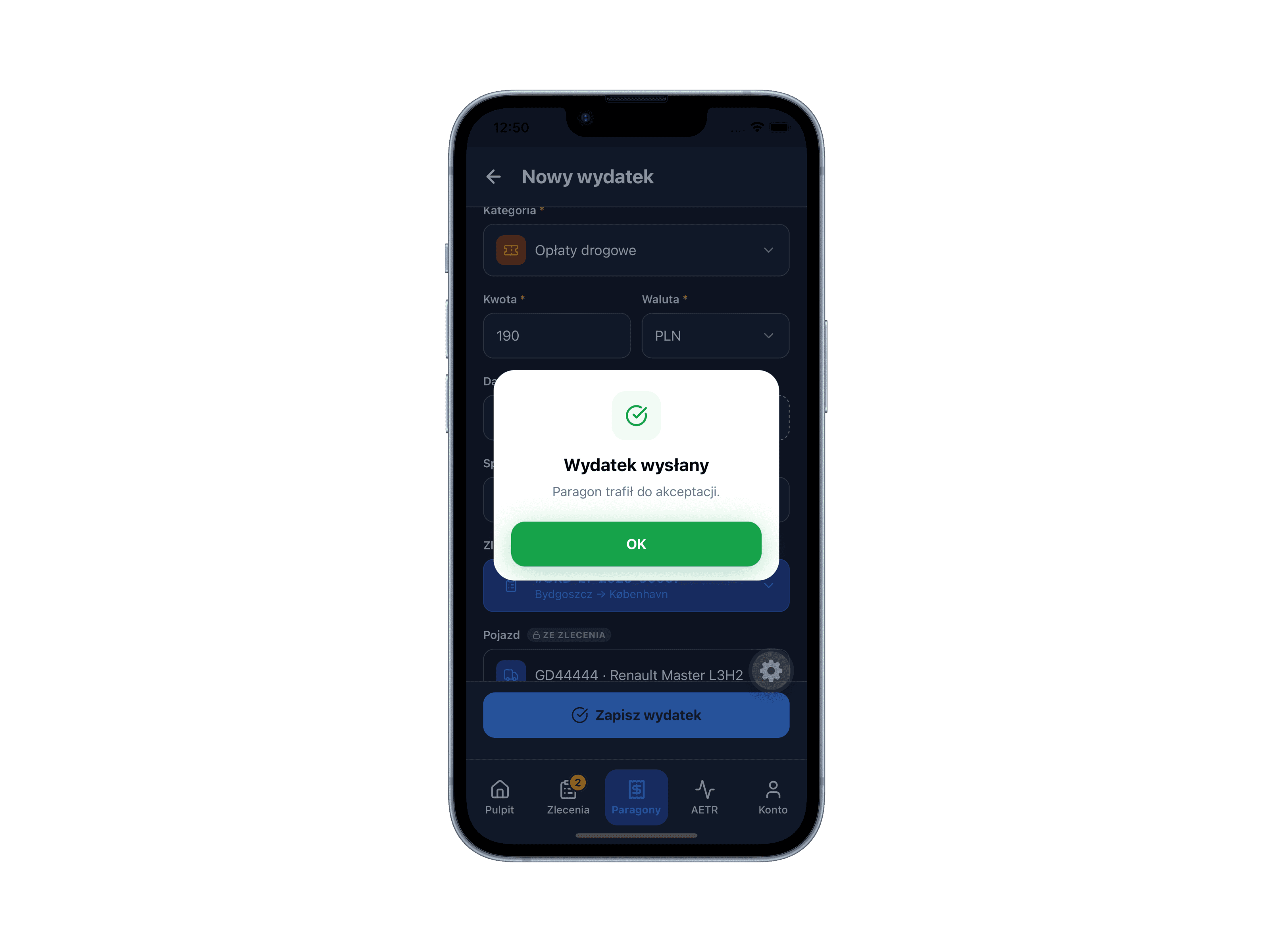
A tunnel, the mountains, a ferry terminal, a car park by the border. Everything is saved on the phone and sent once the signal is back. The driver has a “To send” screen and sees what’s still waiting.
Trips outside an order
Driving to the depot or over to the garage counts too. Start, stop, confirm.
Their documents on the phone
Driving licence, medicals, qualifications. The app reminds both of you when they’re due.
Small things you only notice on the road.
Who uses it: Driver →