Orders and invoices

The order turns into an invoice. The client has it before you’re back at the office.

The driver finishes the job, you check the amount and send it. Nothing to retype.
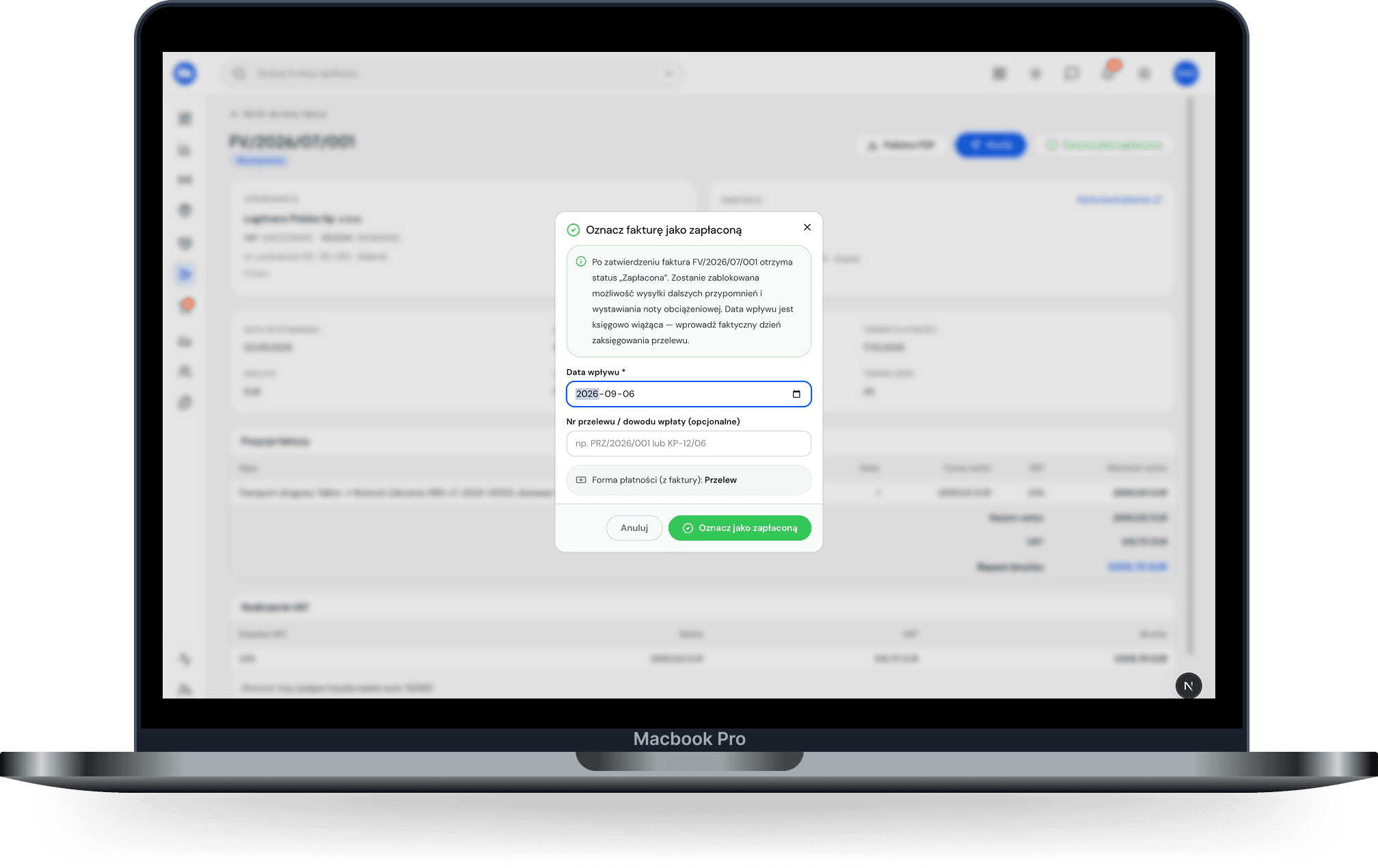
Order → invoice · desktop 1440 — The order on the left, the invoice on the right, an arrow between them and an “Issue and send” button.
01

Order and invoice are one thing

Freight, client, payment term and currency are already in there. The invoice is built from what you entered once, when you took the order.

Entered once
Freight
€3,900
→ line on the invoice
Entered once
Client
Alpina Logistics
→ buyer
Entered once
Term
30 days
→ payment due date
Entered once
Currency
EUR
→ currency and rate
02

Sent in one click

The file goes to the client’s email and to the e-invoicing system at the same moment. You can see it arrived.
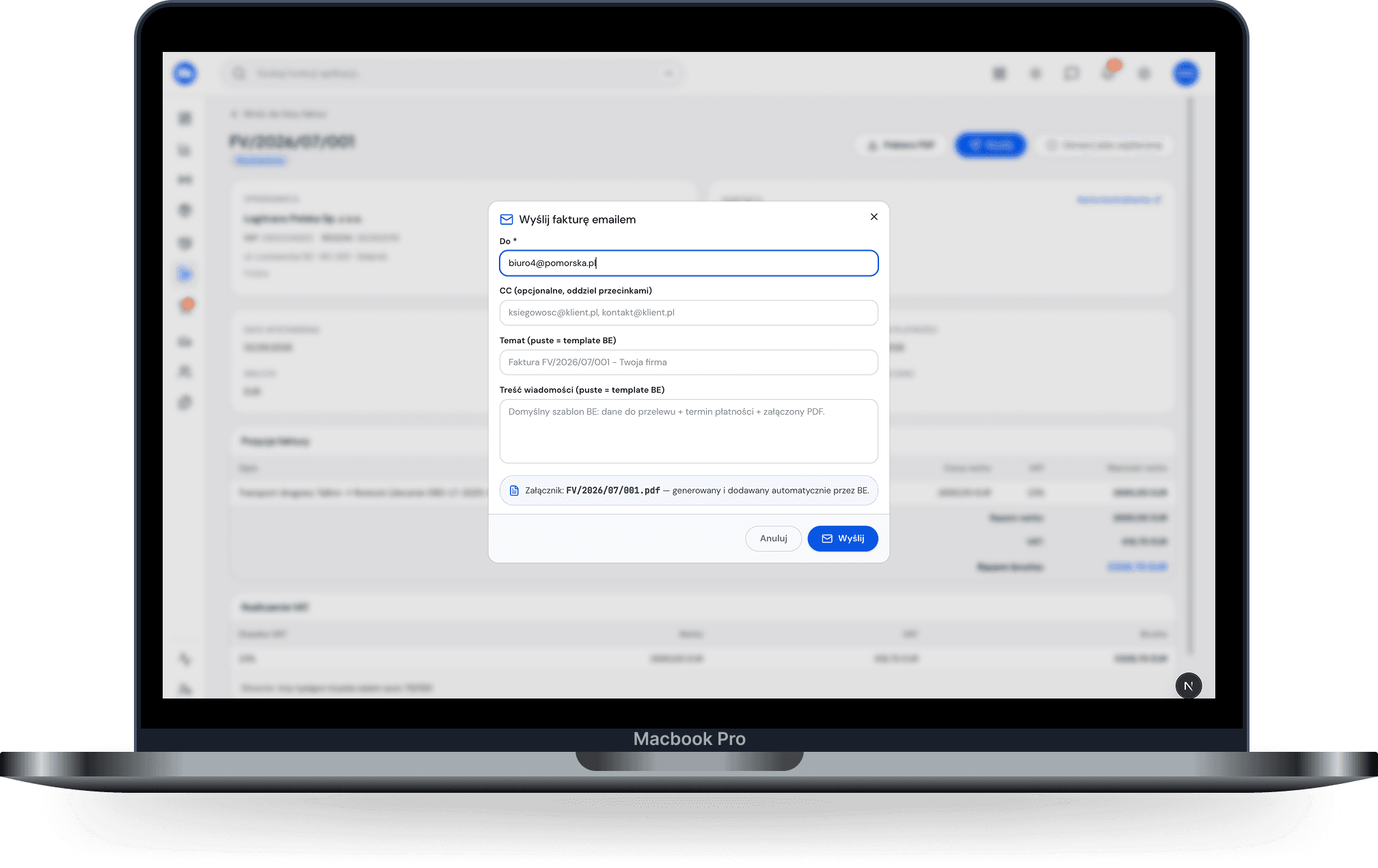
Send window · desktop — Client email, PDF attachment, e-invoice toggle, “delivered” status.
03

Corrections and advances

Same path. A correction knows what it refers to, and an advance is deducted from the final invoice. No juggling in a spreadsheet.

Advance · FZ/2026/08/017€1,000
Final invoice · FV/2026/09/041€3,900
Advance deducted− €1,000
To pay€2,900

Correction FK/2026/09/003 → refers to FV/2026/09/041

04

Currencies

The amount, rate and conversion date stay on the document. Nobody works it out on a calculator three weeks later.

Amount€3,900.00
RatePLN 4.2800
Conversion date3 Sep 2026
In złotyPLN 16,692.00

Rate from the day before the invoice date — saved with the document for good.

05

Clients in one place

Enter a client once and they’re suggested on every order after that, with address and tax number.

New order · client
Alpsuggestions
Alpina Logistics S.r.l.
Via Tortona 12, Milano · IT 08765432109
12 orders
Alpen Cargo GmbH
Innsbruck · AT U12345678
3 orders
Address, tax number and payment term fill in by themselves.
06

History

What was sent, to whom and when. Every document ready to view and download again.
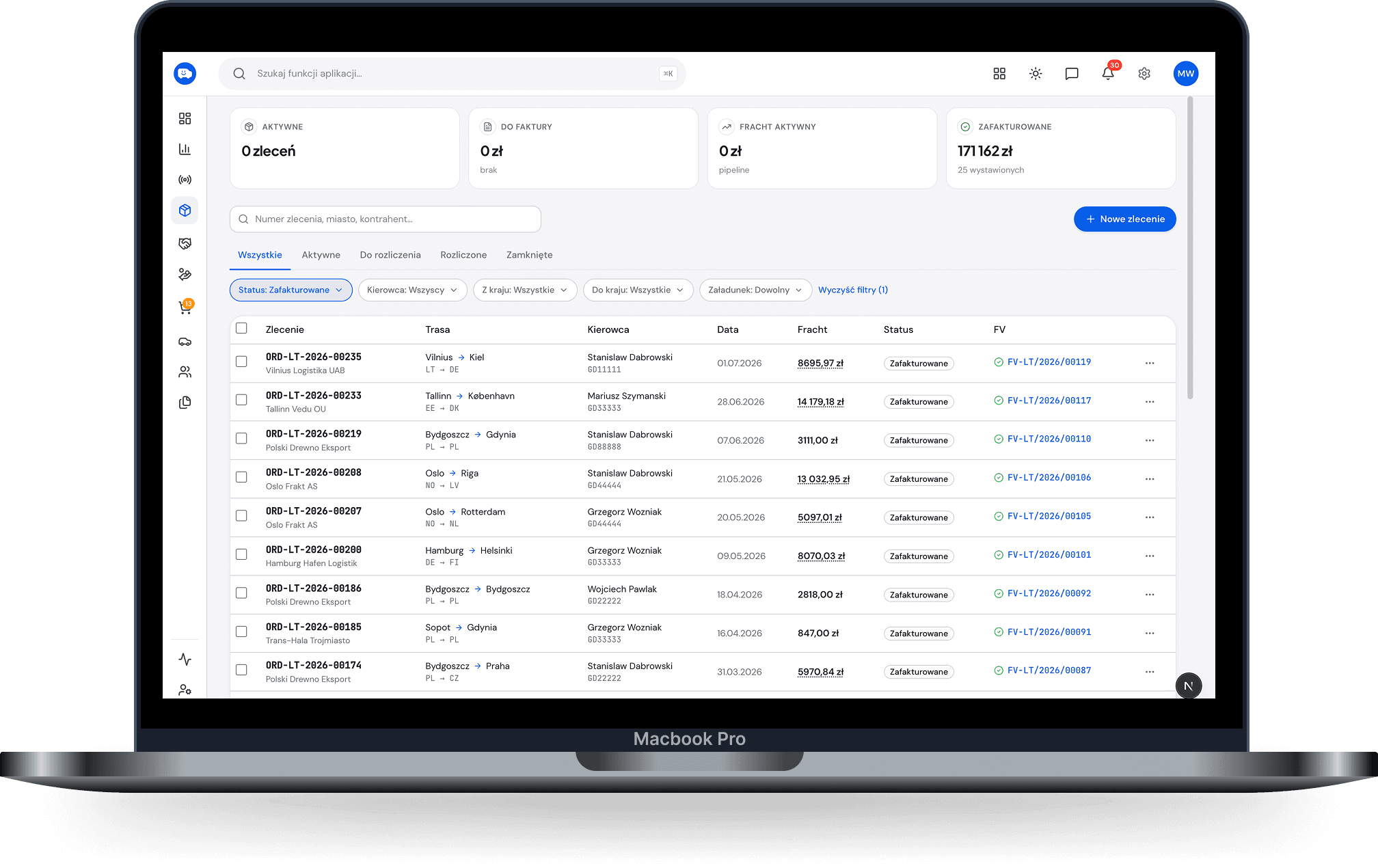
Document list · desktop, dark mode — Issued documents with sending dates and status: delivered, paid, due.

Small things you only notice once you’re using it.

Continuous numbering, no gaps
Payment term counted from sending
Reminder about an overdue payment
Preview before sending
The same document as PDF and e-invoice
A duplicate when the client asks

Who uses it: Owner →·Accountant →

Three questions

Start with one route.

14 days free. No contract. No calls with a salesperson.